CourseNotes
CourseNotes is a note taking app for students that synced across iPhone, iPad, and Mac, and was live at the iPad launch.
- Role
- Co-founder, DearPanda
- Years
- 2010–2016
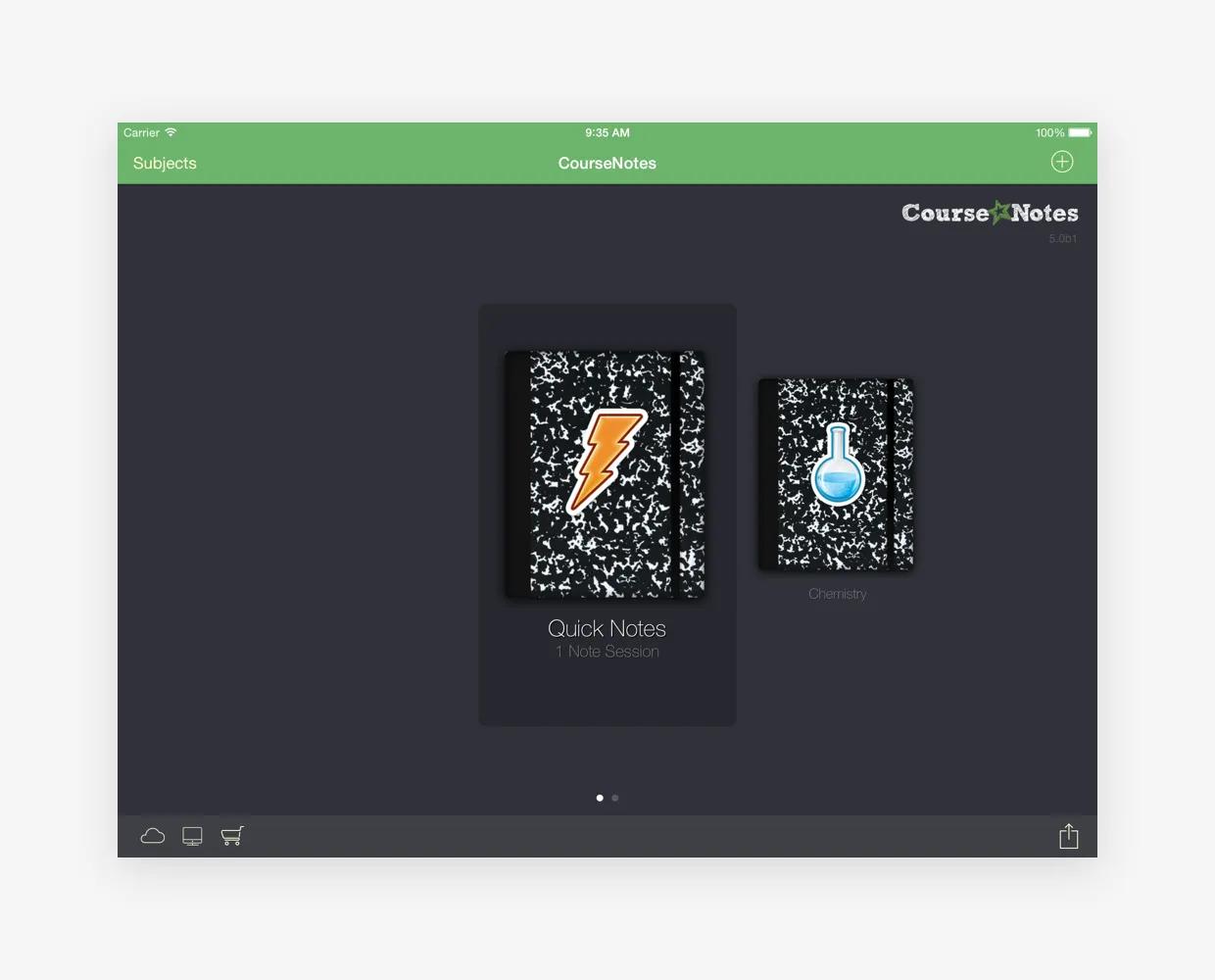
When the iPad was first announced, most reviews called it a big iPhone that nobody would use. My partner Jon and I got together and talked about where an iPad could have the biggest impact, and we landed on education.
That became DearPanda, and CourseNotes was our flagship product: a note taking app for students that synced across iPhone, iPad, and Mac. It was live at the iPad launch.
A notebook for every subject
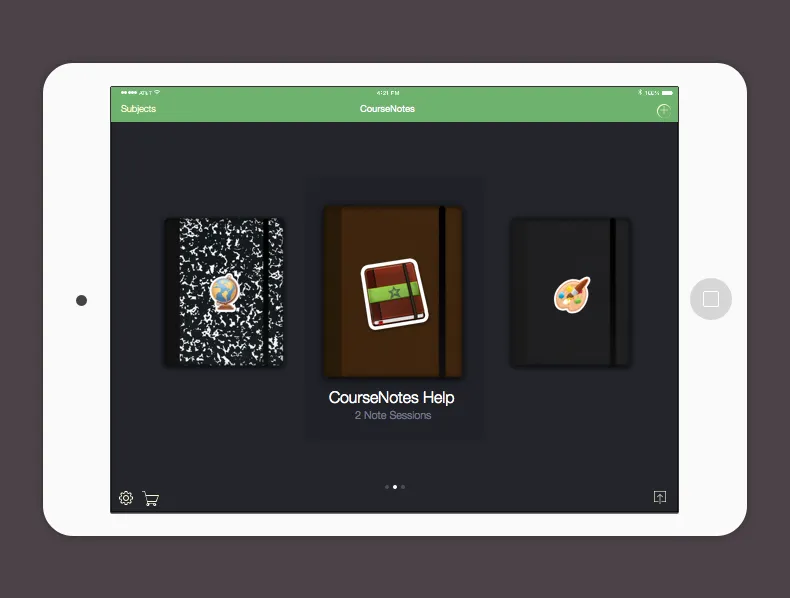
Each subject is a notebook on a shelf. Students pick one, start a note session, and fill it with notes, images, and to-do items.

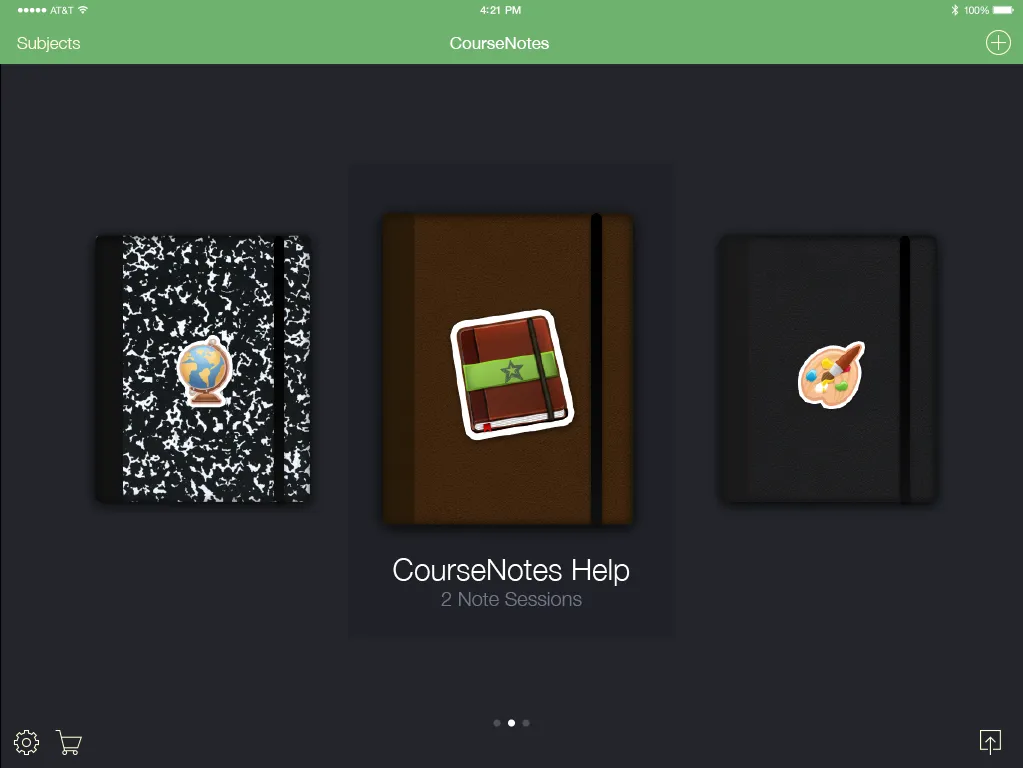
Left: an early version of the subject shelf. Right: a later version.
Notes on every device
The same notes followed students from their iPhone to their iPad to their Mac, kept in sync with iCloud. Version 5.0 gave the whole app a flatter, cleaner look.
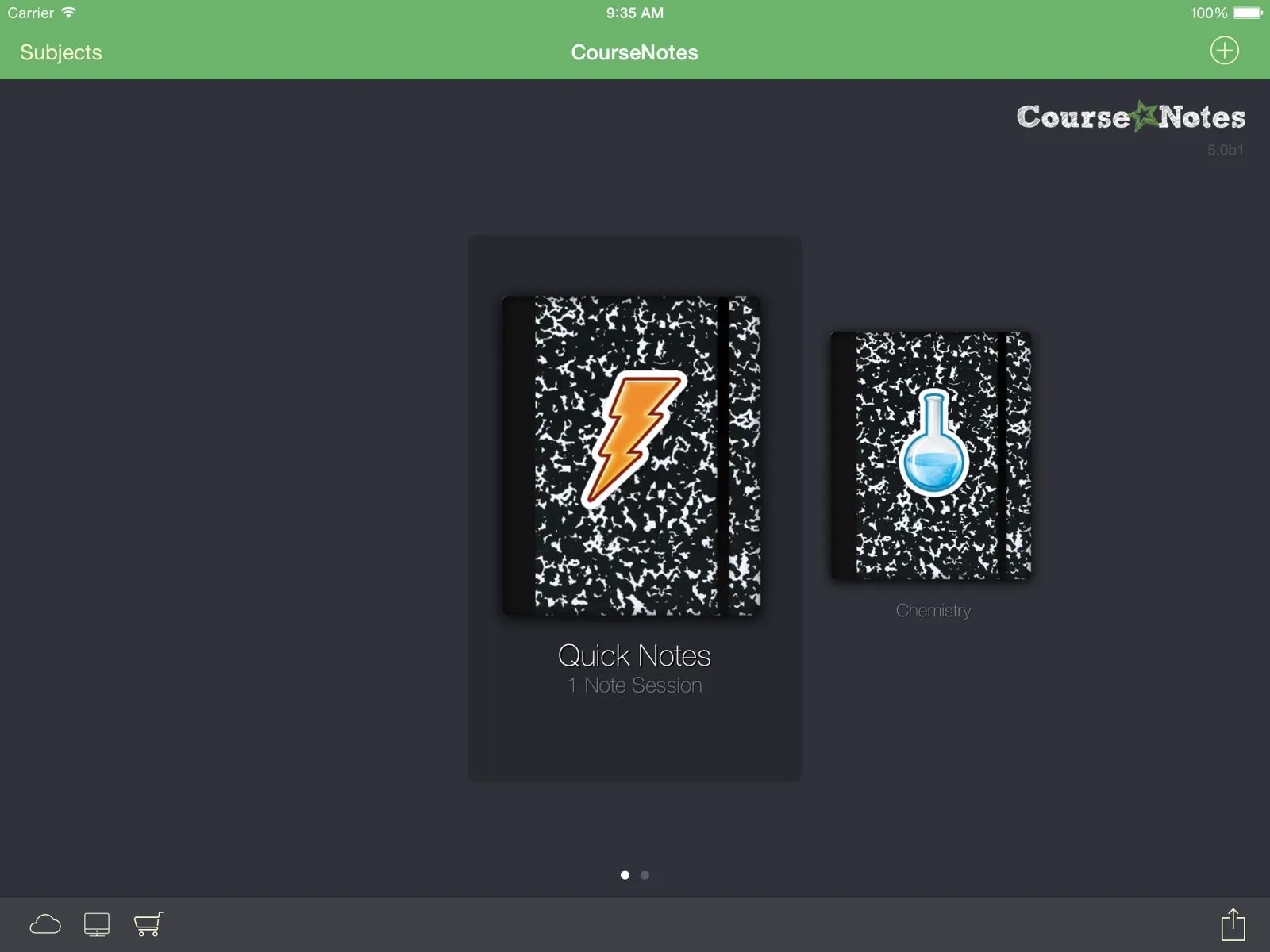
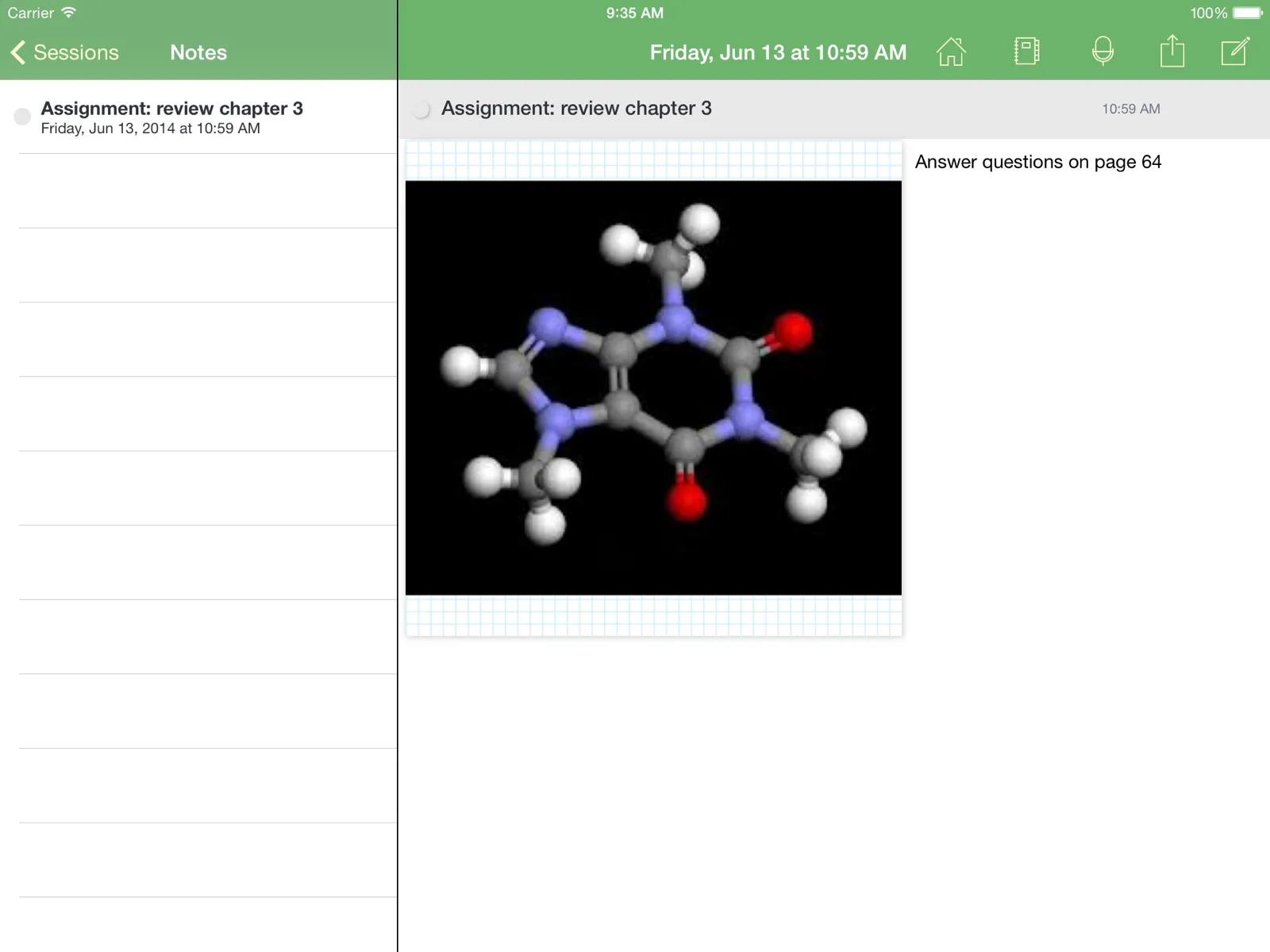
CourseNotes 5.0 on iPad: the subject shelf, and a note session.
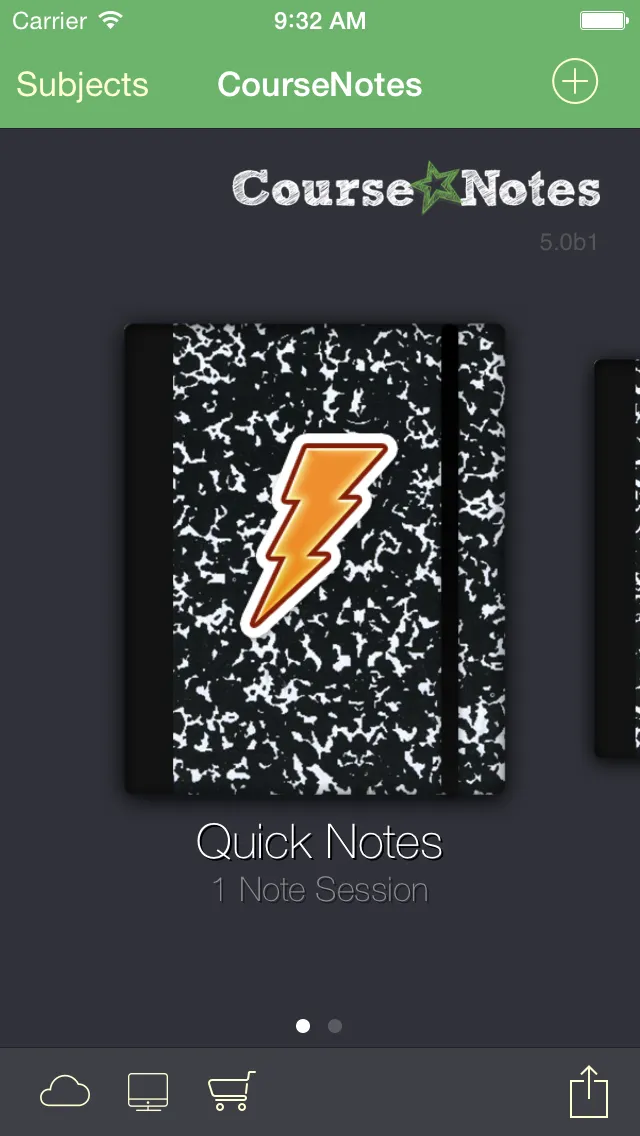
The same shelf on iPhone.
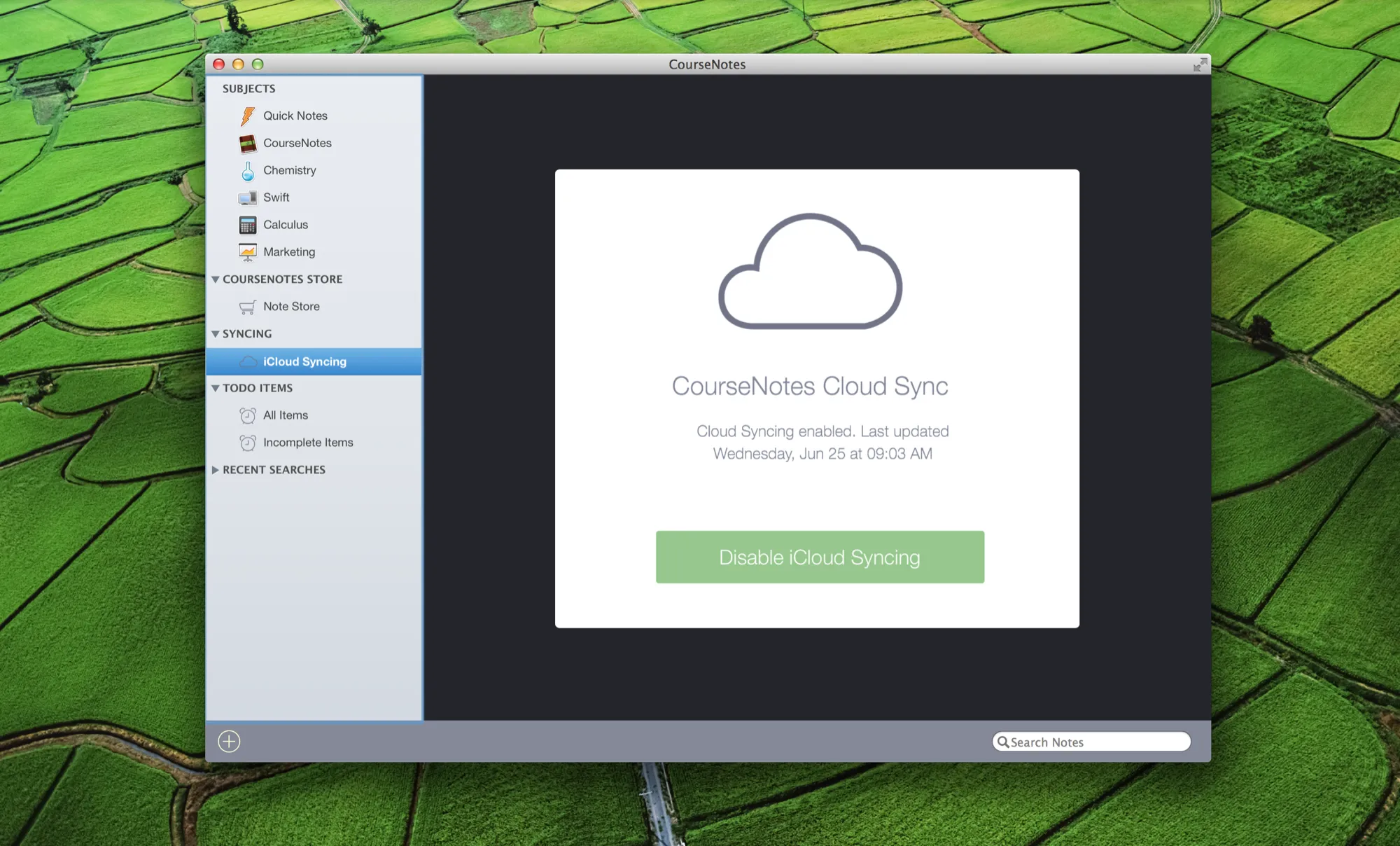
CourseNotes on the Mac, with iCloud syncing.
More than notes
Students could buy study sheets, like a French verb guide or an art history overview, from inside the app and move that content into their own notes. Notes could be shared with friends through Facebook, and any session could be exported to Dropbox.
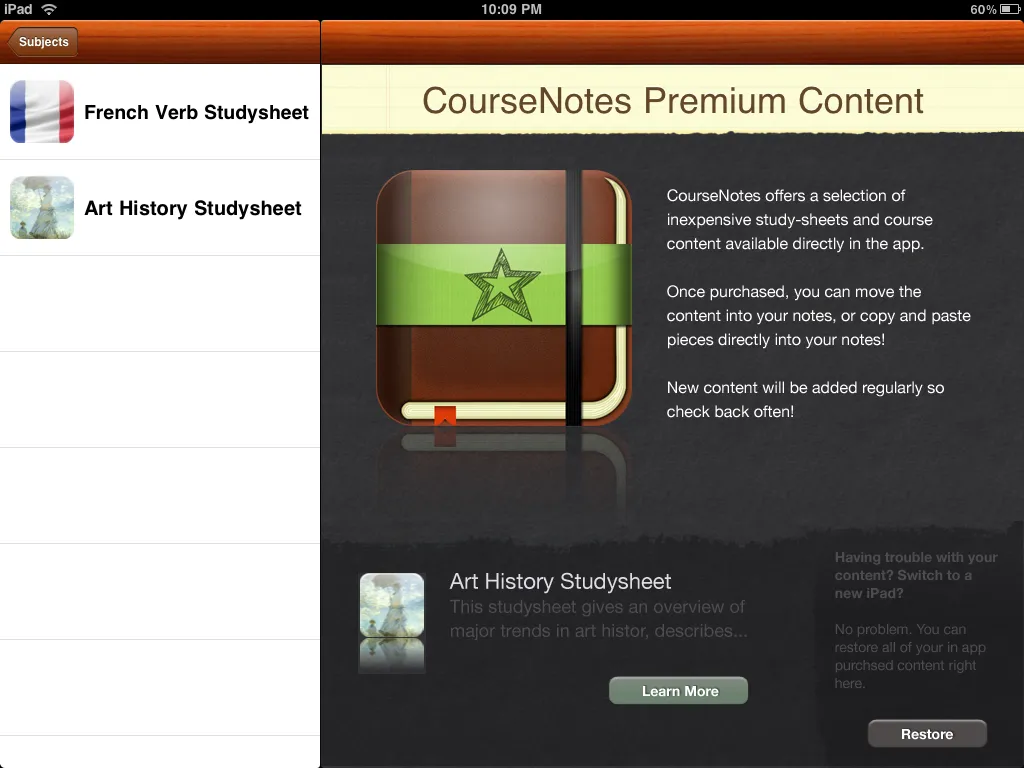
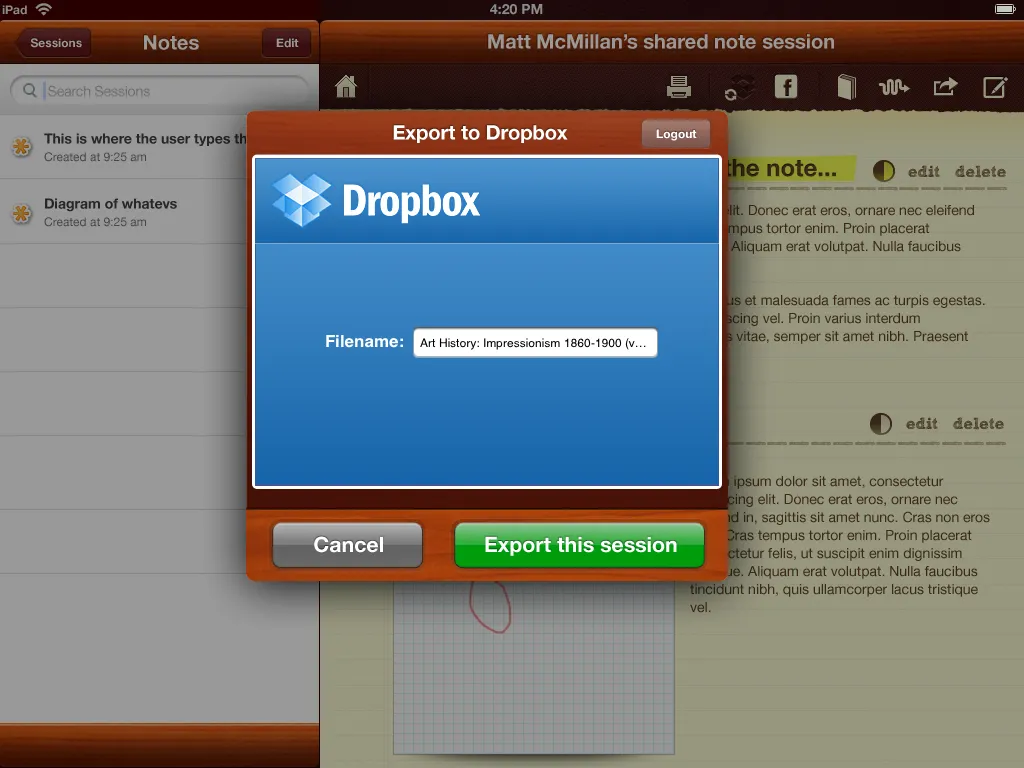
Left: premium content. Right: exporting a session to Dropbox. Both are design comps.
Featured by Apple
Apple featured CourseNotes more than once, which meant prominent placement in the App Store. Our ratings were high, and CourseNotes grew to low six figures in revenue.
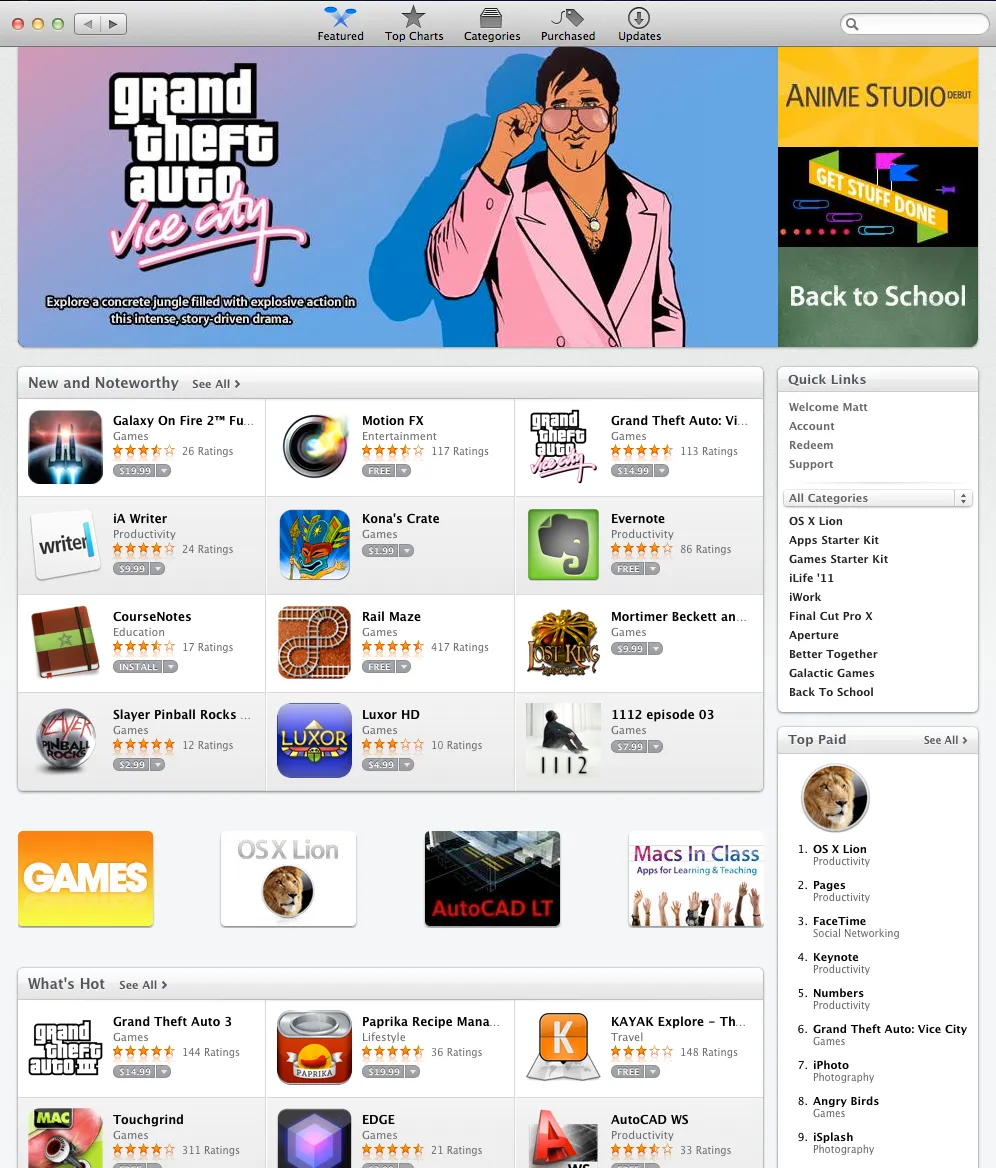
CourseNotes featured in the App Store!
A call from McGraw Hill
McGraw Hill reached out with a big idea: add a card to every textbook they shipped, so students could download CourseNotes for free. We couldn’t pull it off, because of the way the App Store worked at the time.
Doing everything
There were two of us, so I did whatever the company needed. I handled the business side, including managing the LLC and taxes. I also did the design, the UX, and the product work, and I got into the code to create and replace images and make style changes. Jon had a big product role too, and more of the engineering. We both answered every piece of feedback and every support request ourselves.
The next idea
Our next product was Studylicious, a platform of customizable content for teachers, with more control over the iPads in the classroom and a view of how each student was doing. Read the Studylicious story.