Studylicious
Studylicious was a platform for teachers, with customizable content and a dashboard for seeing how each student was doing, built for iPads in the classroom.
- Role
- Co-founder, DearPanda
- Years
- 2011
After CourseNotes, my partner Jon and I had a bigger plan for the classroom. Kids love working on iPads, but unlike a paper handout, all of that work is lost as soon as they put the device down.
We wanted a platform of customizable content for teachers. Teachers would have more control over the iPads in the classroom, and they could see how their students were performing.
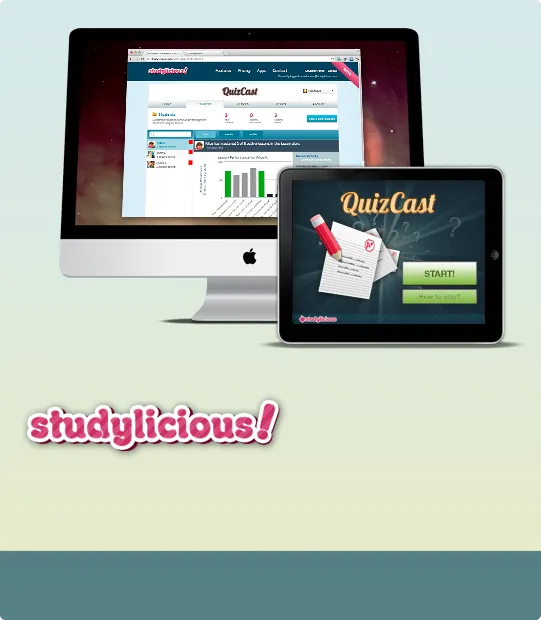
The idea in one picture: a teacher’s dashboard on the computer, and an app on the student’s iPad.
Apps to show how it worked
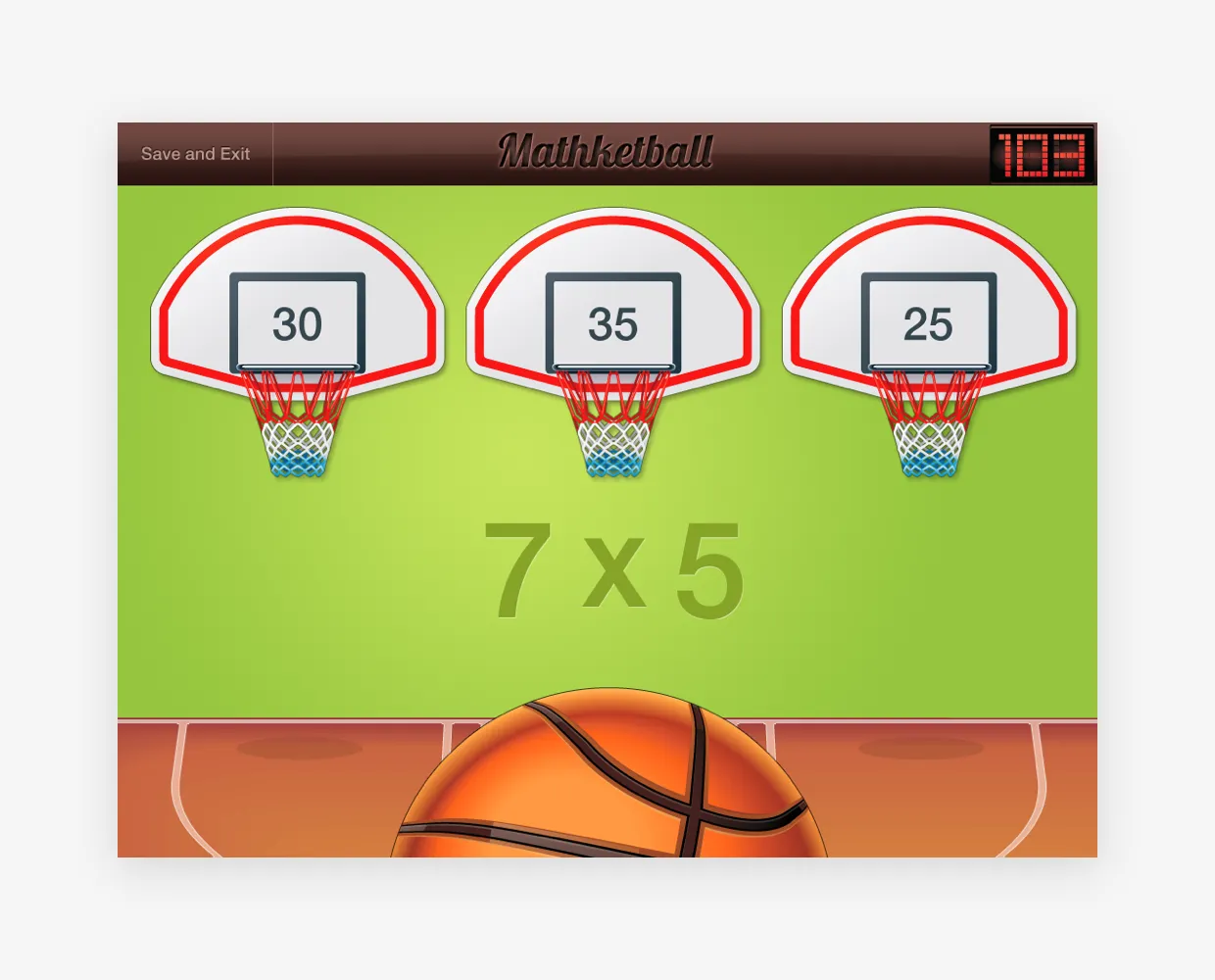
We made a few apps to show the platform in action. Mathketball is a multiplication game where students pick the basket with the right answer. Flash Quiz and QuizCast are quiz apps, with multiple choice questions that teachers could write themselves.


Left: Mathketball. Right: QuizCast.
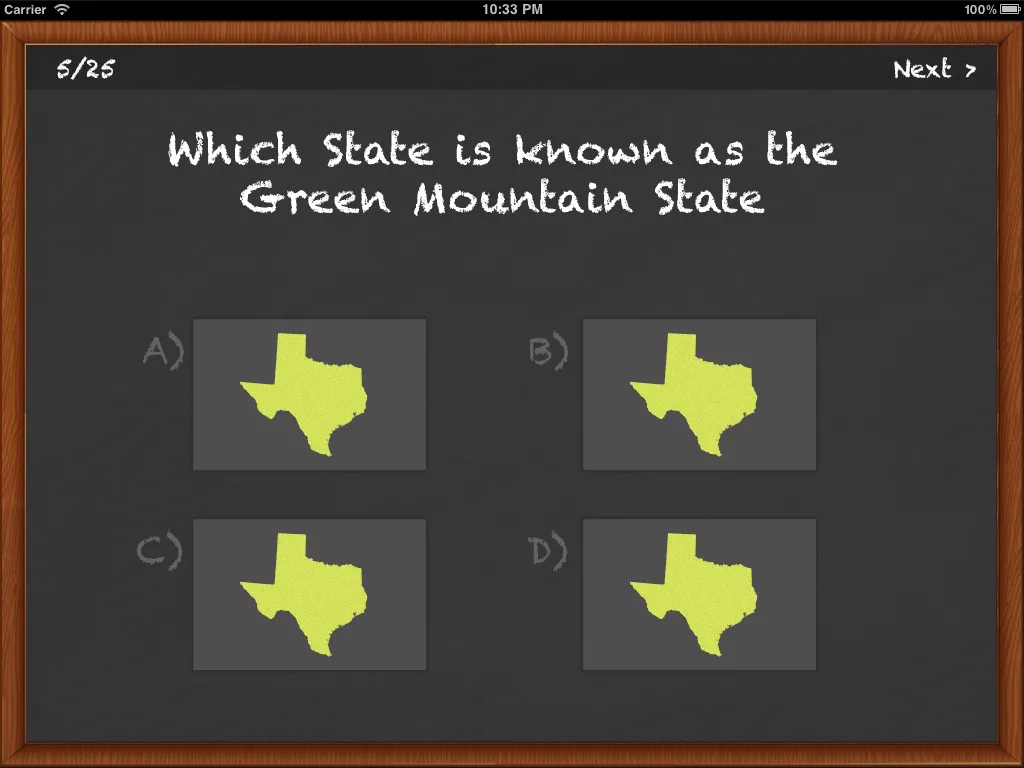
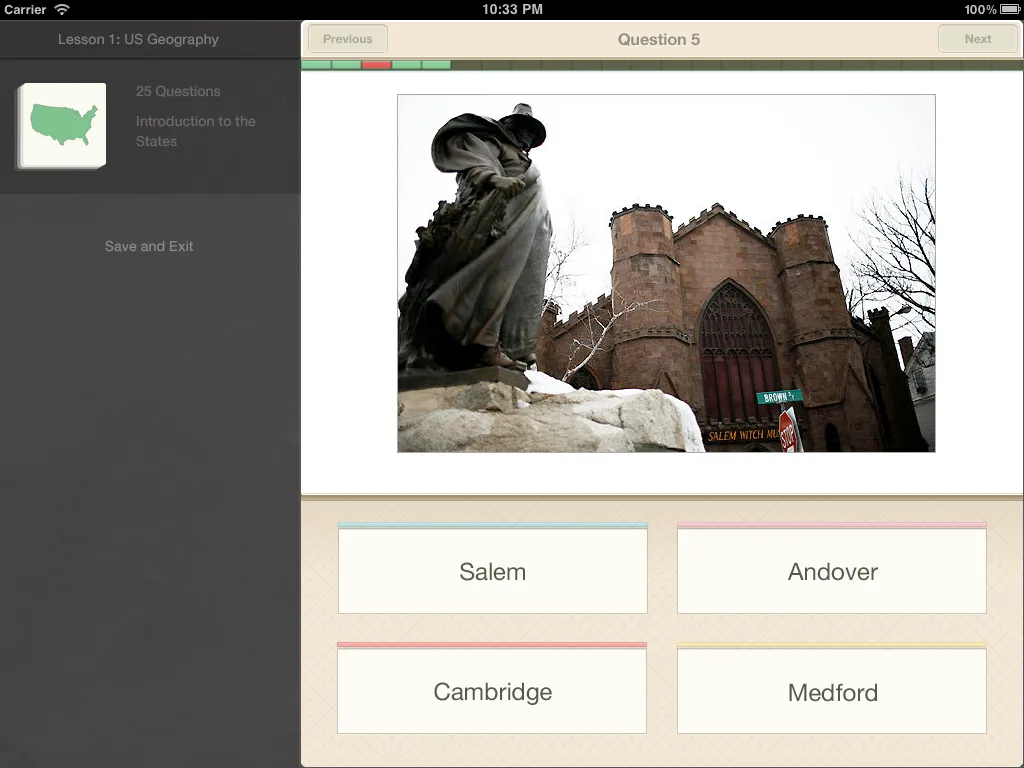
Two looks for Flash Quiz questions: a chalkboard, and cards with a photograph.
A dashboard for teachers
Teachers ran everything from a web dashboard. They could see where each lesson stood, unlock the next one, and check how students were doing.
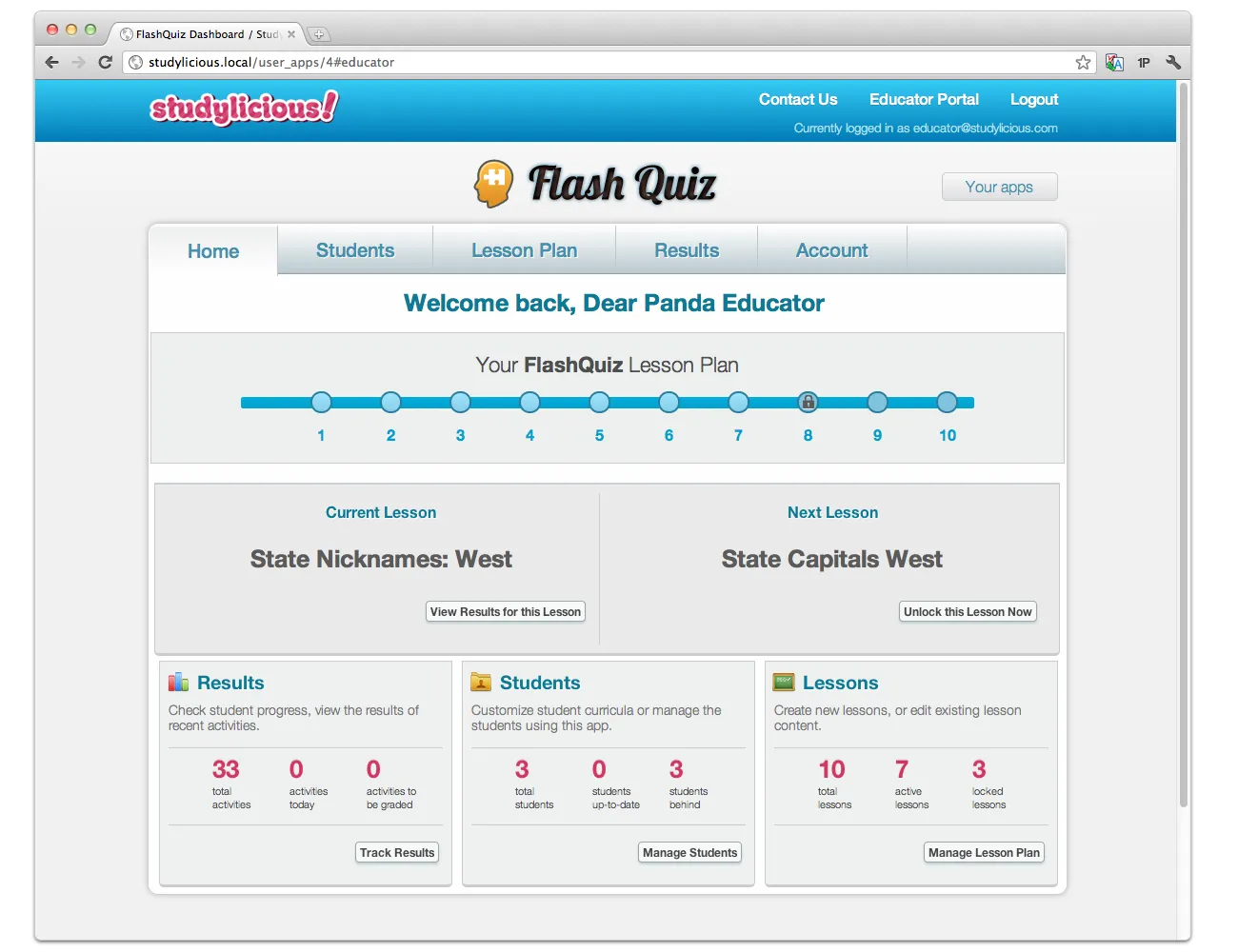
The teacher dashboard: the lesson plan, the current and next lesson, and a summary of results, students, and lessons.
Teachers could also write their own lessons. Each question could have images and its own answers, and teachers set the rules for moving on, like how many times a lesson had to be repeated and what average score unlocked the next one. They could preview any lesson on their own device before students saw it.
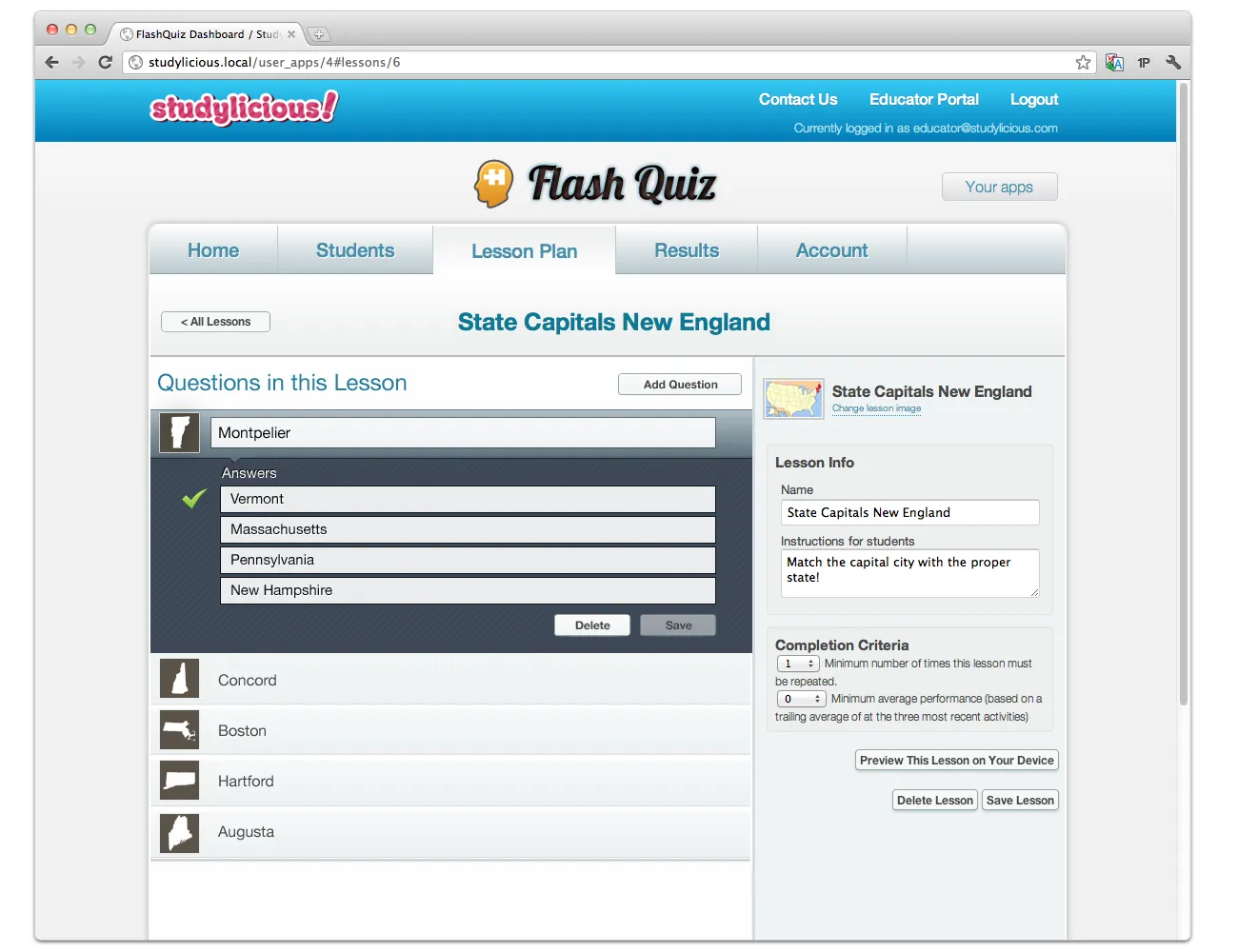
The lesson editor, with completion criteria on the right.
Every student could get a different path. This early wireframe shows adding students and tailoring questions for each one, with alternate answers and a difficulty slider.
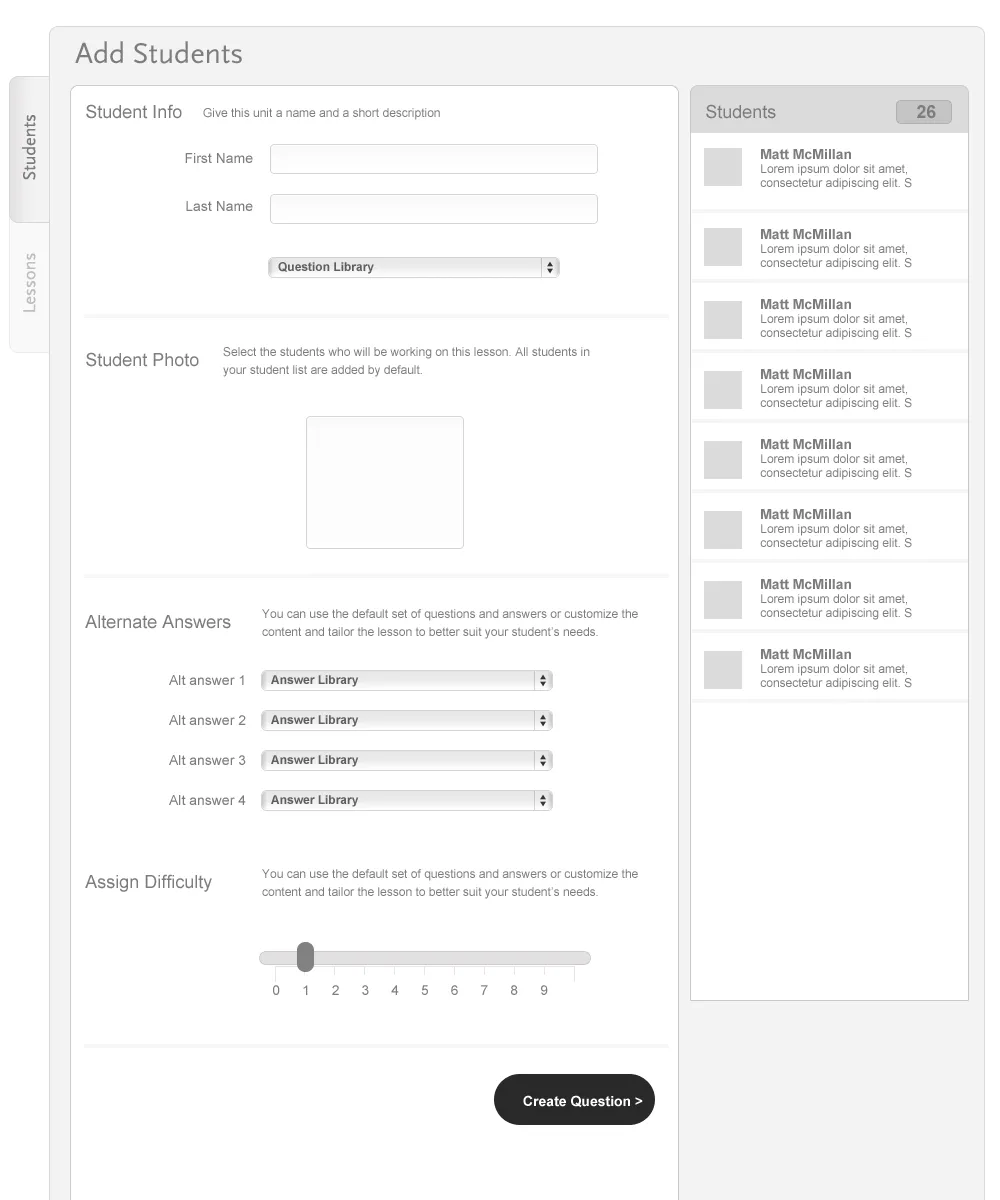
An early wireframe for adding students and tailoring their questions.
What students saw
Inside each app, a Studylicious panel greeted the student by name and showed the next activity their teacher had lined up, along with instructions and announcements.
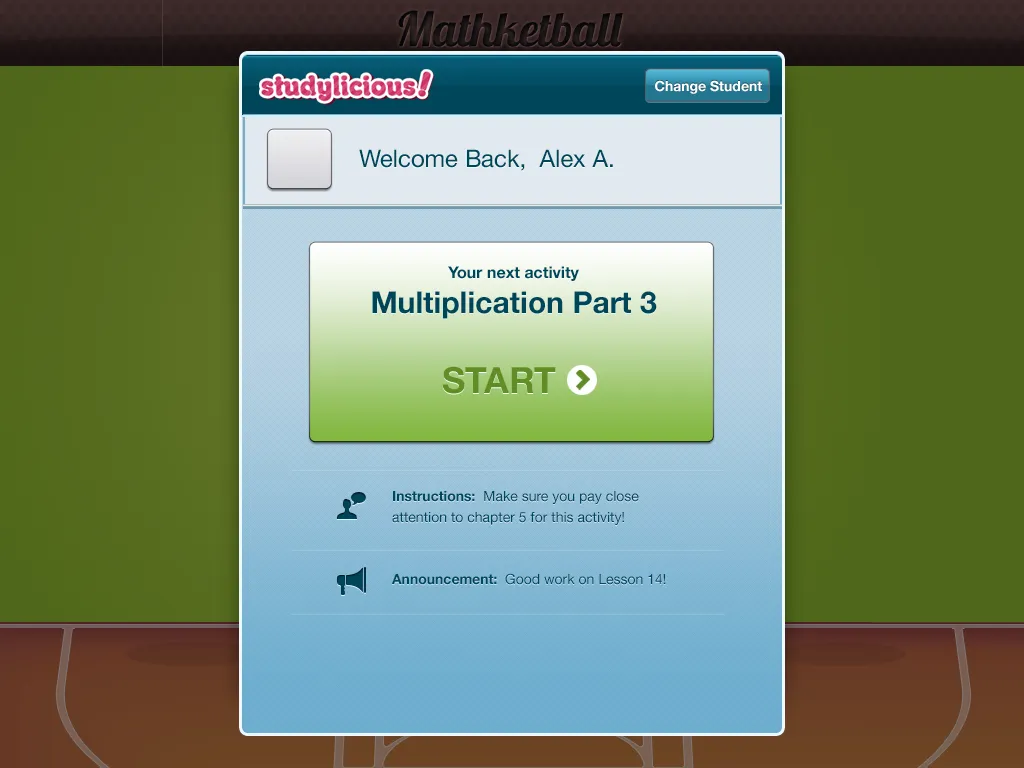
The student panel, shown over Mathketball.
Bringing other apps on board
The plan was to let other developers add Studylicious to their own apps, so any educational app could plug in to the same dashboard. The website spoke to teachers and developers both.
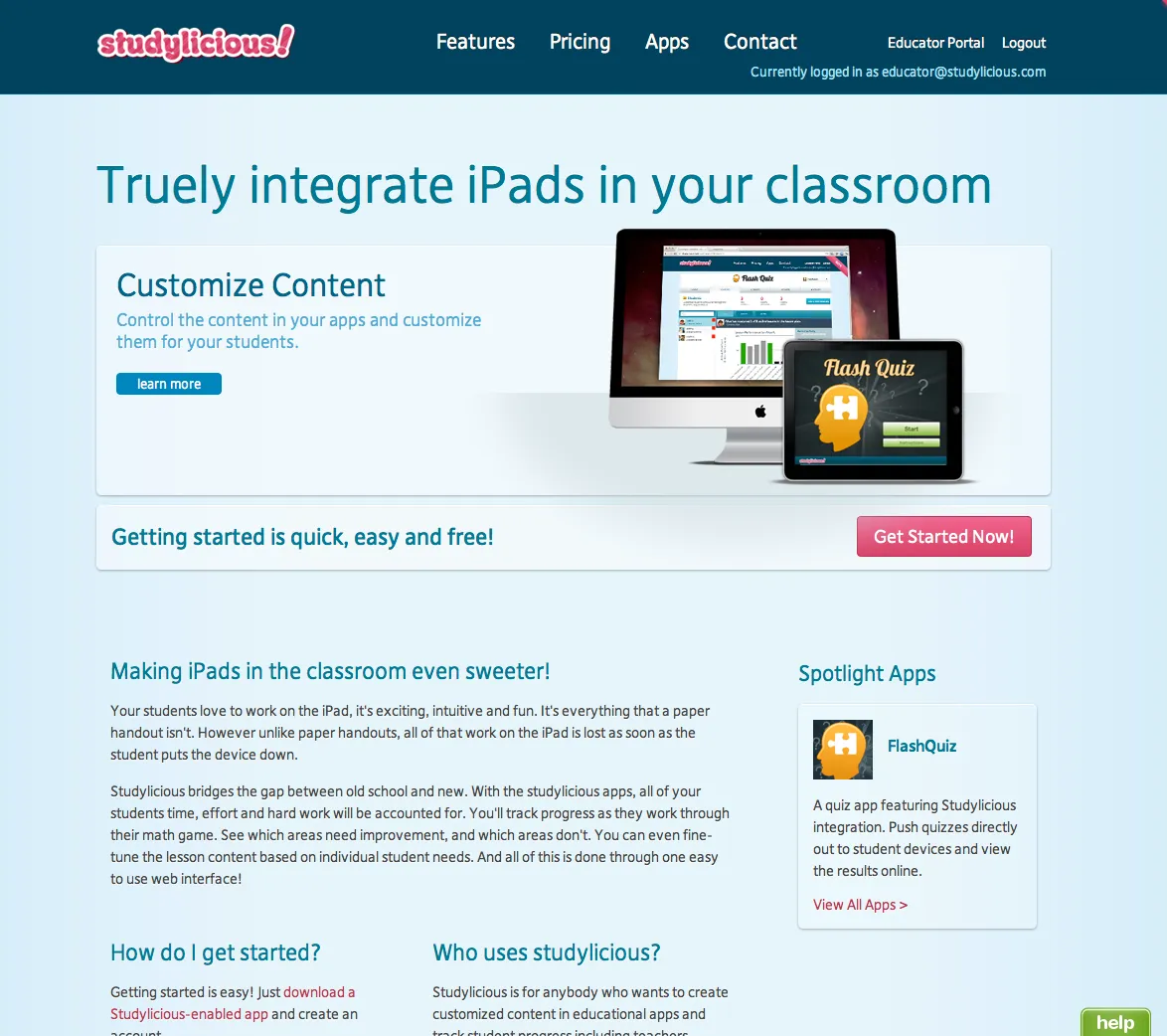
A comp of the Studylicious website.